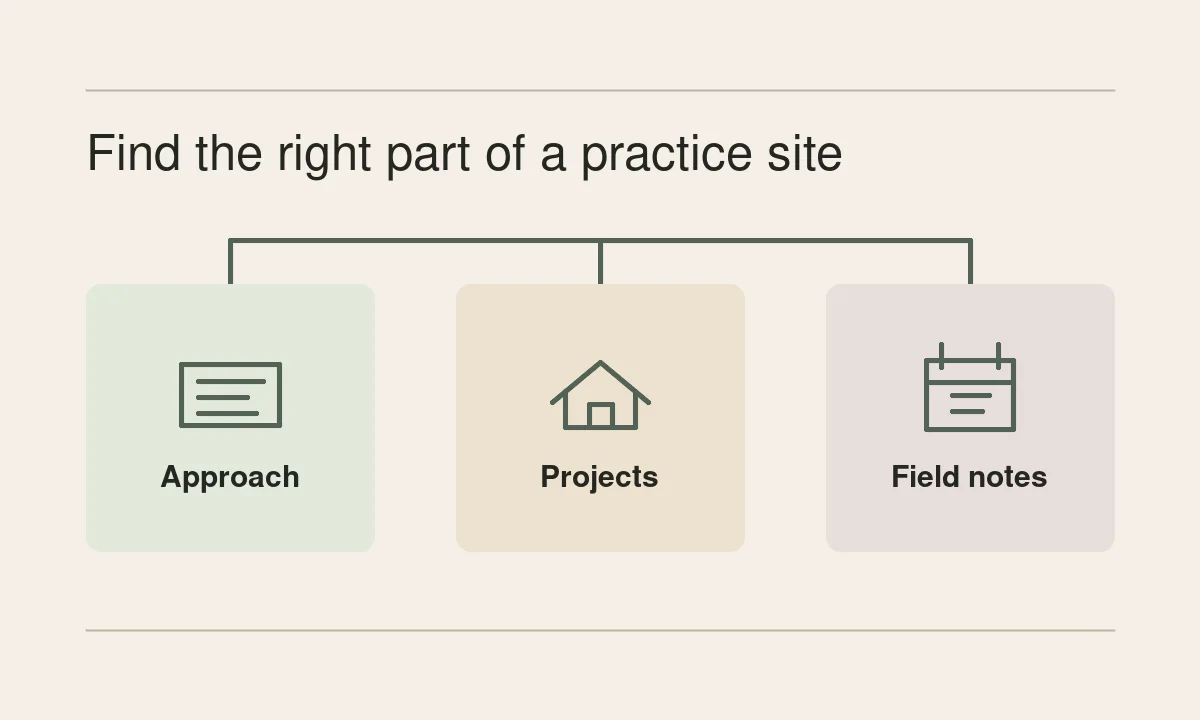
Someone following an old Inobi link may be looking for the practice’s approach, a building it worked on, or the field note they meant to finish reading. Those are three different journeys. A December 2017 capture of the Swedish architecture practice’s Graz article shows all three in its navigation and sends the logo back to the demo home.
This guide records what those old links meant and shows where Inobi publishes the corresponding material today. The map comes from the menu in the saved article. The current links lead to the practice’s own site.
The logo led to the demo home
Both copies of the logo link in the archived page use the short demo path /inobi. That identifies a starting point from inside the article. The capture preserves the link and the surrounding menu. Visit Inobi’s current homepage for the practice’s present-day introduction and featured work.
Om oss explained the practice
The saved menu put Om oss, or About, above links about the practice’s ideas, work and people. The top-level address carried the demo prefix. Several submenu links went to sections of /om-oss/ without that prefix. The old menu therefore recorded a main page and a set of shortcuts into it.
The current About page describes the practice’s approach and includes sections on research, project development, publications and people. Use it when a reader needs the thinking behind the projects and wants to know whose work they are reading.
Projekt held work and client references
One old submenu item was Projekt, for projects. Another was Uppdragsgivare, for clients. Both used /projekt/ with different fragments. The current page still separates project entries from the client list. The two links solve different problems even though they share a page.
Imagine looking for evidence that a practice has worked on a campus before. A named study such as Campusplan Alnarp 2019–2030 gives you a project to inspect. A client list helps you recognize organizations, but a name on that list leaves the scope of any individual commission open. The project entry is where you would check what work was done and when.
Blogg kept an ongoing record
The archived Blogg link opens the route to the journal. The current Inobi blog organizes writing by dated entries, categories and months. That makes it useful for following an idea or a site visit over time. The discussion in a dated entry can also lead you to a related project or a different question about the work.
For a period example, read the Graz field-note analysis. The original article links what the writers observed to the place where they observed it. Its archive capture also preserves the menu used in this guide.
Try three tasks before adding another menu
Ask someone unfamiliar with the practice to find a statement of approach, a project relevant to a brief, and a dated field note. Record the first label they choose for each task and where they stop. A useful change might be a clearer label, a direct link between a project and its field note, or a more specific project description. You can test each change with those same three tasks.
Historical source. December 2017 capture of the Graz article and its navigation. The current Inobi site was checked separately. See the participation design study for another example of carrying information from a field observation into a decision.