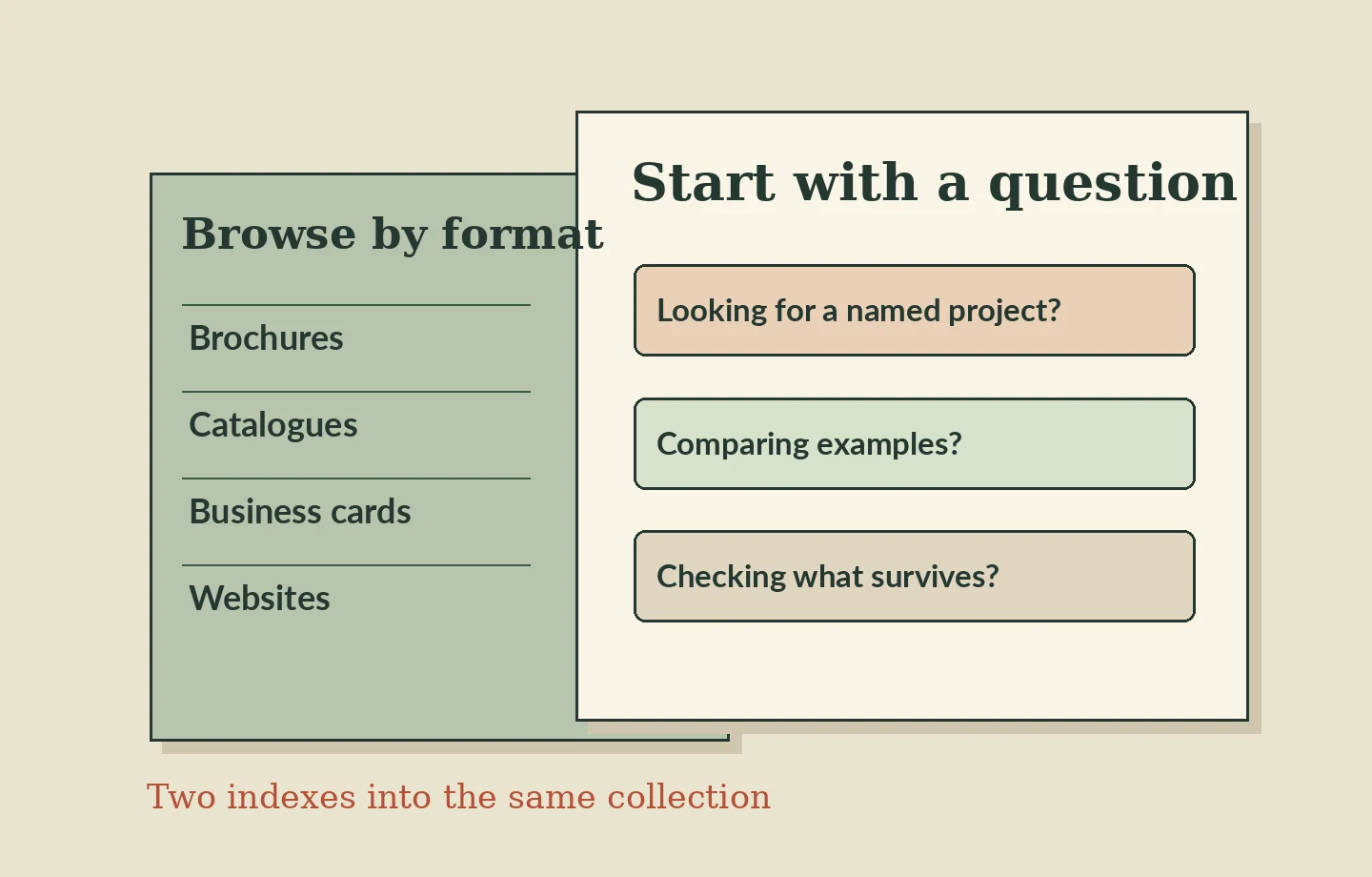
Someone arrives at a design archive with half a project name and a memory of a green cover. Someone else wants a brochure layout to study and has never heard of the studio. Put the same list of media types in front of both readers and only the second has an obvious place to start.
What happens when you lead with formats?
Imagine an archive with twelve projects. Three are brochures. One of those, the fictional River Steps, has a front-cover image and a catalogue listing, but no surviving inside spread. In a format-led layout, the first screen shows links for Brochures, Catalogues, Business Cards and Websites. The reader collecting brochure references can immediately open the three-record set. If they want to study folded panels, each record needs a short note on what the archive holds. “Front cover and listing” lets them skip River Steps without opening it.
For the person who remembers a project, a format list asks them to classify it before they can find it. The original project could have been catalogued by the client name, the piece’s title or the kind of work. A single index entry can link across those terms. Uflix’s own collections guide offers a related example: it records overlapping classifications on the older portfolio and provides a separate project register. For a real route, open Brochures in that collection, then follow the Titlis Developers bi-fold brochure to its individual record. The brief note there tells you which material is preserved. Uflix project collections.
Give each question a destination
A second layout begins with three short paths. “Know the project name?” leads to the alphabetical index, with alternate spellings where they have been documented. “Looking for an example?” leads to the format groups. “Checking what survives?” opens a simple explanation of the evidence notes, with examples of an image, a text listing and an archived project page. All three paths end at the same underlying records. The evidence note on River Steps stays the same whichever door the reader chooses.
There is a cost to leading with questions. Someone who already knows the collection may have to pass a layer of explanation every visit. Keep “Project index” and “Browse by format” visible as ordinary links. W3C’s accessibility guidance describes different ways to locate pages, including search, tables of contents and site maps. The design decision here is which choices earn a place at the front of this collection. W3C guidance on multiple ways to find a page.
Try a known item and an open question
Put both versions in front of a colleague and give them two tasks: recover River Steps from its name, then find a brochure with an interior spread. Watch their first choice and where they slow down. If the second task fails after they reach the brochure group, change the record labels before adding another navigation menu.